
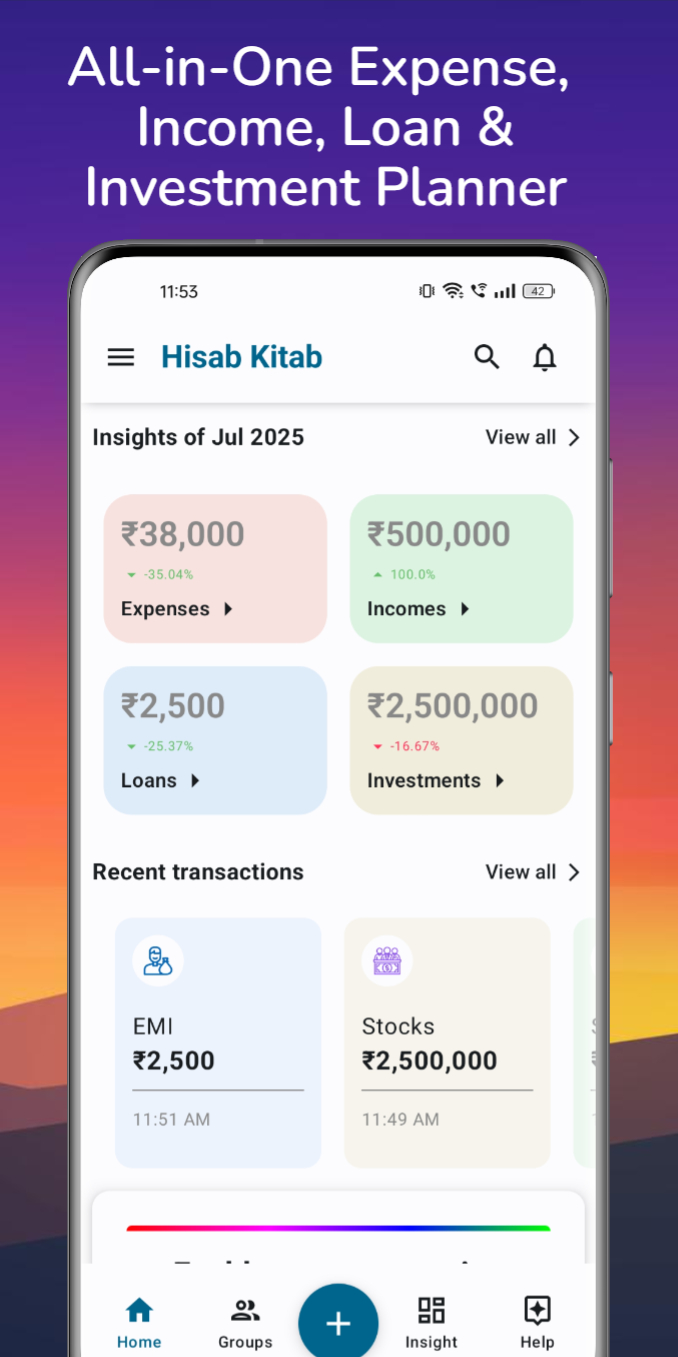
1. Download the official Android app
Use the Google Play link on this site to find Hisab Kitab, package com.nk.extracker. Follow the app’s account setup prompts. The app is free to download and offers Premium features through Google Play billing. Check the listing and in-app purchase screen for current compatibility, availability and pricing.
2. Add your first record
Start with a recent expense. Enter the amount and details, then choose a category. Hisab Kitab also organizes income, investments and loans, so you can build a broader view over time.
3. Make room for shared plans
Create a group for your family or next trip when you want to organize shared spending. Invite the people involved and use the Help Center if you need a walkthrough.
4. Build a habit of checking in
Keep adding records and review categories and historical trends. SMS transaction detection is optional; try it when you are ready, or continue adding records manually.
A few helpful answers
Which platform is supported?
The app linked from this website is Hisab Kitab for Android on Google Play.
Where can I get help?
Browse the Help Center or email support@hisabkitab-app.com. The privacy policy explains how the service handles information.
Explore step-by-step help · Read our privacy policy · Read the related story