
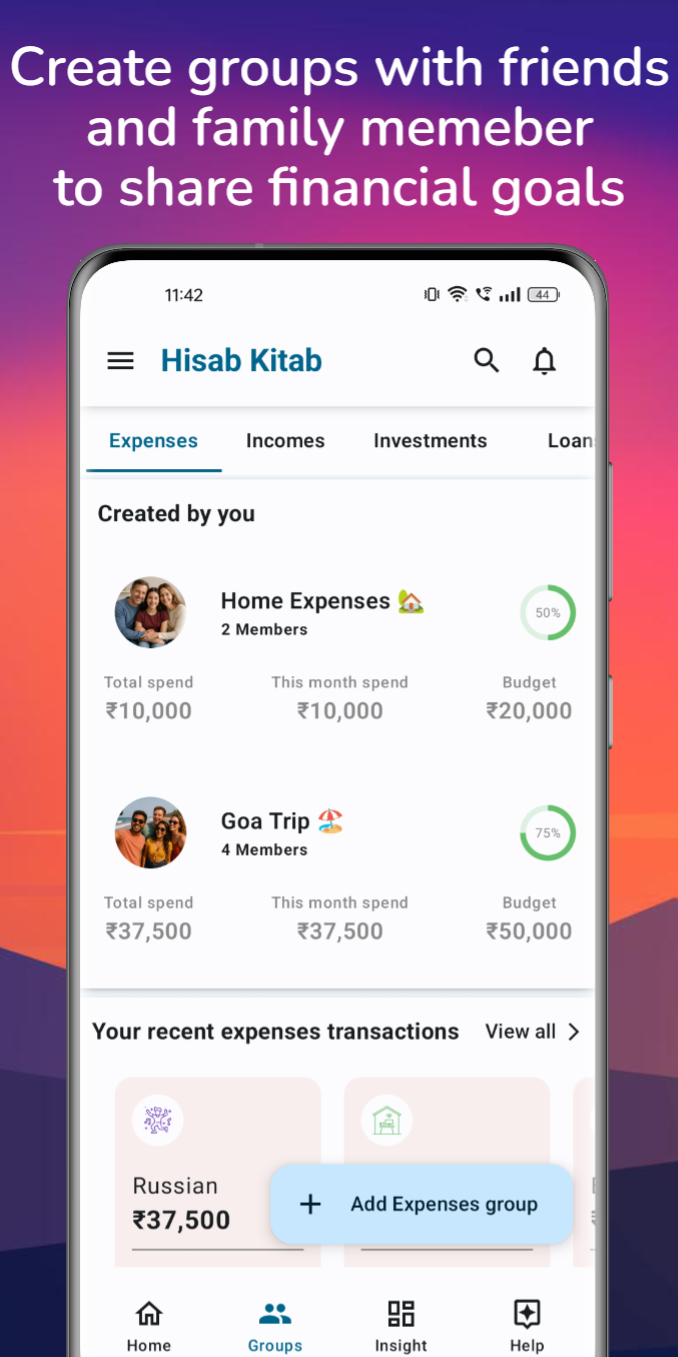
Create a group for your home
Name a group for your household and invite the family members you want to include. Keep a separate group for a trip or another shared activity so the records stay organized.
Record the everyday costs
Add an amount, date and description when you create a record. Choose a useful category so groceries, bills and other spending are easier to review later.
Make time for a monthly review
Use your shared records and category insights to discuss spending. Agree which costs belong in the family group and keep the entries up to date. The picture is only as complete as the records you add.
A few helpful answers
Can I keep a trip separate from household expenses?
Yes. Create separate groups for your home, trips and other shared activities.
Where do I learn to invite family members?
The Help Center includes guides for creating groups and adding members. Invited contacts need to approve the invitation.
Explore step-by-step help · Read our privacy policy · Read the related story