
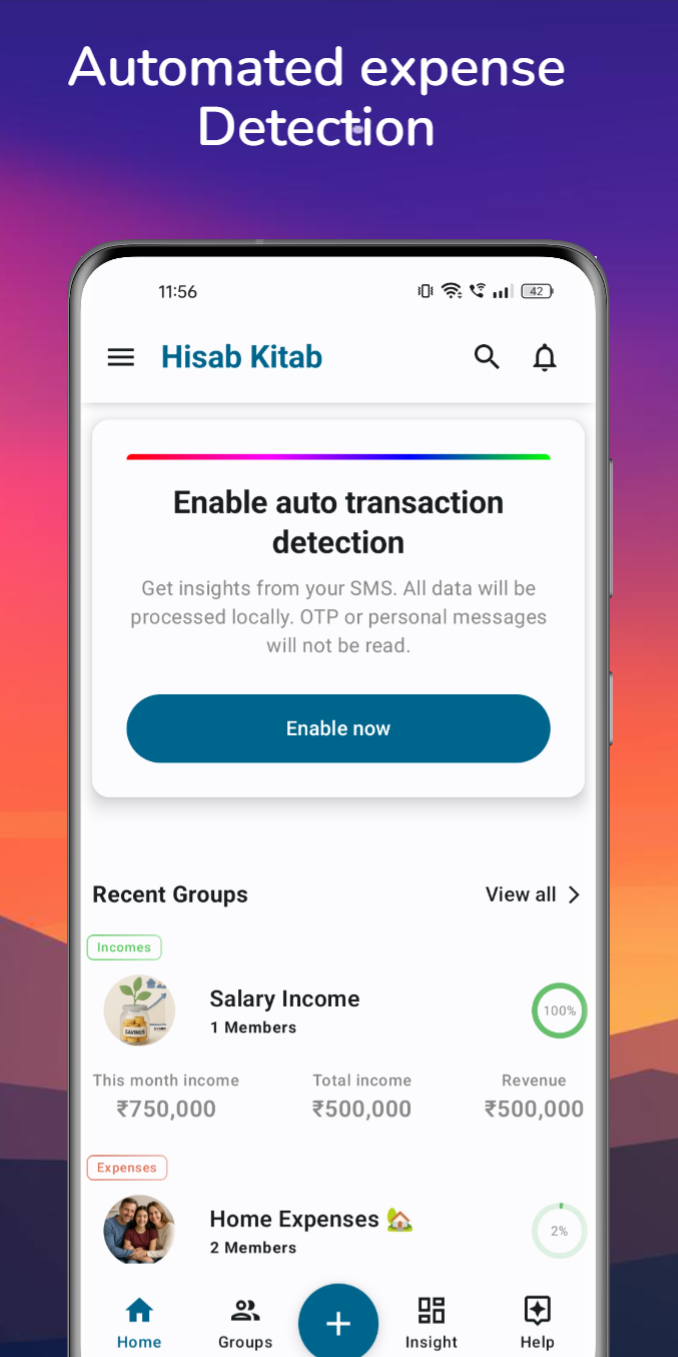
You choose whether to enable it
SMS detection is optional. Enable it in the Android app and grant the requested SMS permission when you want automatic detection. You can keep recording transactions manually without enabling it.
Processing happens on your phone
The app processes transaction SMS on your device. This describes SMS detection, not every aspect of account or group data storage. See our privacy policy for the wider details of information collection and use.
Review your records
Detection depends on a supported transaction message. Check that the amount and category reflect your spending, and add a manual record when a transaction is not detected. Cash purchases without an SMS need a manual entry.
A few helpful answers
Is SMS permission required to use the app?
No. SMS permission is for optional transaction detection. You can add financial records manually.
Will every payment be detected?
No. Detection depends on the message format being supported and the required permission being enabled. Review your records for missing transactions.
Explore step-by-step help · Read our privacy policy · Read the related story